


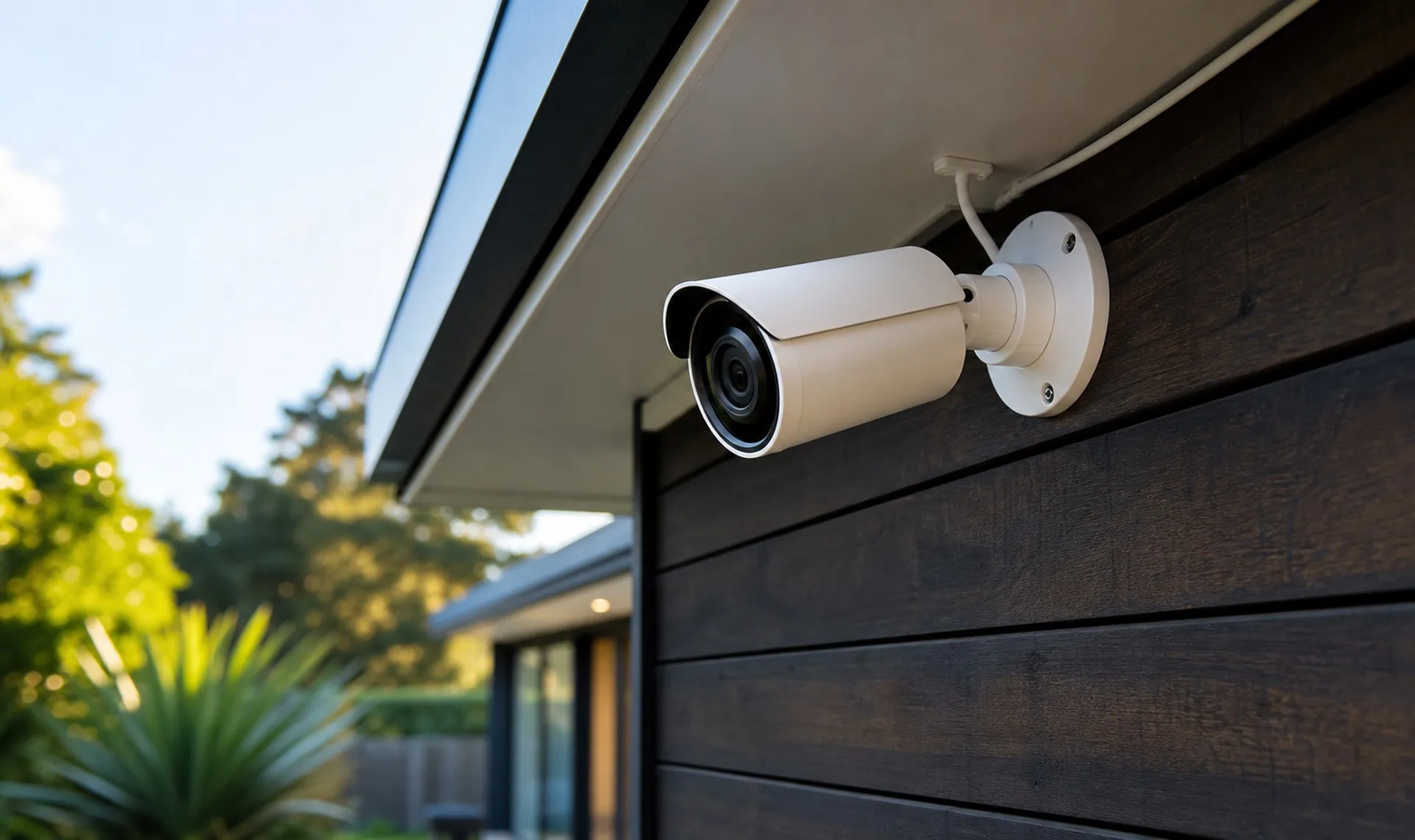
A good CCTV system does two jobs at once. It puts off opportunist burglars before they even step onto your property, and it records clear footage if anything ever does happen. Here is what it costs to install one in an Auckland home, and the real things that move the price up or down.

The short answer
These are The Conduction Company's own Auckland prices for a wired CCTV system, including GST. Most Auckland homes need a wired system with a few cameras and a recorder (called an NVR). As a rule of thumb, a base system starts at around $1,000 including GST, and each installed camera adds roughly $500 including GST on top, which covers the camera, the cabling, and the labour to run it. The single biggest cost factor is how easy it is to run cables through your home, not the cameras themselves.
We quote on facts, not guesses
Before we give you a price, we carry out a proper assessment of your property and how you'll use your CCTV system. That way you know exactly what you're buying and the total cost, with no surprises. Clear expectations from the outset, start to finish.
What does CCTV installation cost in Auckland?
There are two parts to the cost: the recorder, and the cameras plus their cabling.
The recorder (the NVR) is a big, largely fixed part of the price. A two-camera system and a four-camera system can run on the same recorder. So going from two cameras to four is mostly the cost of the extra cameras and their cable runs, not a whole new system.
It's worth thinking ahead here. If you might add cameras down the track, we can fit a larger recorder now so you can expand later without replacing it. And unlike some consumer systems, your footage is stored locally on the recorder, so there's no ongoing cloud subscription that can add up to thousands over the life of the system.
For the cameras themselves, a good rule of thumb is around $500 including GST per installed camera. That figure covers the camera, the cabling, and the labour to run it back to the recorder. It does not include the recorder itself, which is a separate, largely fixed cost on top.
The estimates below are for standard installation of a home CCTV system, shown including GST. The Conduction Company confirms final pricing after a property assessment.
As a rough guide, a decent wired home CCTV system usually falls somewhere between $2,500 and $3,500 including GST, depending on how many cameras you want and how hard the cabling is. Businesses, larger sites, and higher-resolution systems will sit above that. Lower-cost options are also available if you want to keep the spend down, and we're happy to talk you through them. Every figure here is an estimate, not a quote. We confirm the real number after we have seen your property.
What drives the price up or down?
How your home is built (the biggest factor)
This is what really swings the cost. In a single-level home with plenty of ceiling void access, we can run cables easily and the install is simple, so the cost stays low.
In a multi-storey home or unit with no underfloor or ceiling access, or a sealed floor between two levels, it becomes very hard to run cables from the recorder out to the cameras. We often have to use surface-mounted solutions, that work takes a lot longer, and it drives the cost right up.
How many cameras you want
Each camera is another cable run back to the recorder. More cameras means more cabling and more labour, which is where that roughly $500-per-camera figure comes from.
How much footage you want to keep
The recorder holds a hard drive, and its size sets how long you keep footage. How long depends on your camera count, resolution, and how much movement there is, so it varies from system to system. As a rough guide, a 2TB drive gives you somewhere around one to three weeks, and a 4TB drive roughly doubles that. It scales in a straight line from there.
One thing we do on most systems is set them to motion-record only. You only capture footage when something actually moves, which is usually all anyone wants to see, and it stretches your storage much further. You end up keeping only the footage that matters, for much longer.
3K vs 4K CCTV: which is better for your home?
Higher resolution gives you a sharper picture, but it uses more storage. Standard HD (1080p) is fine for many uses, but we set the bar higher than that.
Cameras are measured in megapixels. We typically fit 5 or 6 megapixel cameras on both homes and businesses. At that resolution you get proper facial recognition at a reasonable distance, and number-plate recognition for vehicles within about 5 to 8 metres. That matters a lot for businesses, and it's genuinely useful at home too. If someone turns up in a car and takes something, you can hand police a clear face and a plate.
In the numbers people search for, 3K is roughly 5 to 6 megapixels, and 4K is around 8 megapixels.
The Conduction Company's comparison of 3K, about 5 to 6 MP, against 4K, about 8 MP.
Upfront cost, an estimate confirmed after assessment. 3K is lower. 4K is higher.
Running cost, meaning storage used. 3K uses less. 4K uses more.
Best suited to. 3K suits standard Auckland homes. 4K suits businesses with higher theft or burglary risk.
Main limitation. 3K gives slightly less fine detail at long range. 4K uses more hard-drive space.
What The Conduction Company usually recommends. 3K for most homes, more than enough for clear faces and plates. 4K only where a business needs top-tier detail.
For a standard home, 3K is more than enough. The only time we'd push a client up to 4K is a business with real theft or burglary potential that wants the strongest possible facial and detail recognition.
What you get with a professionally installed system
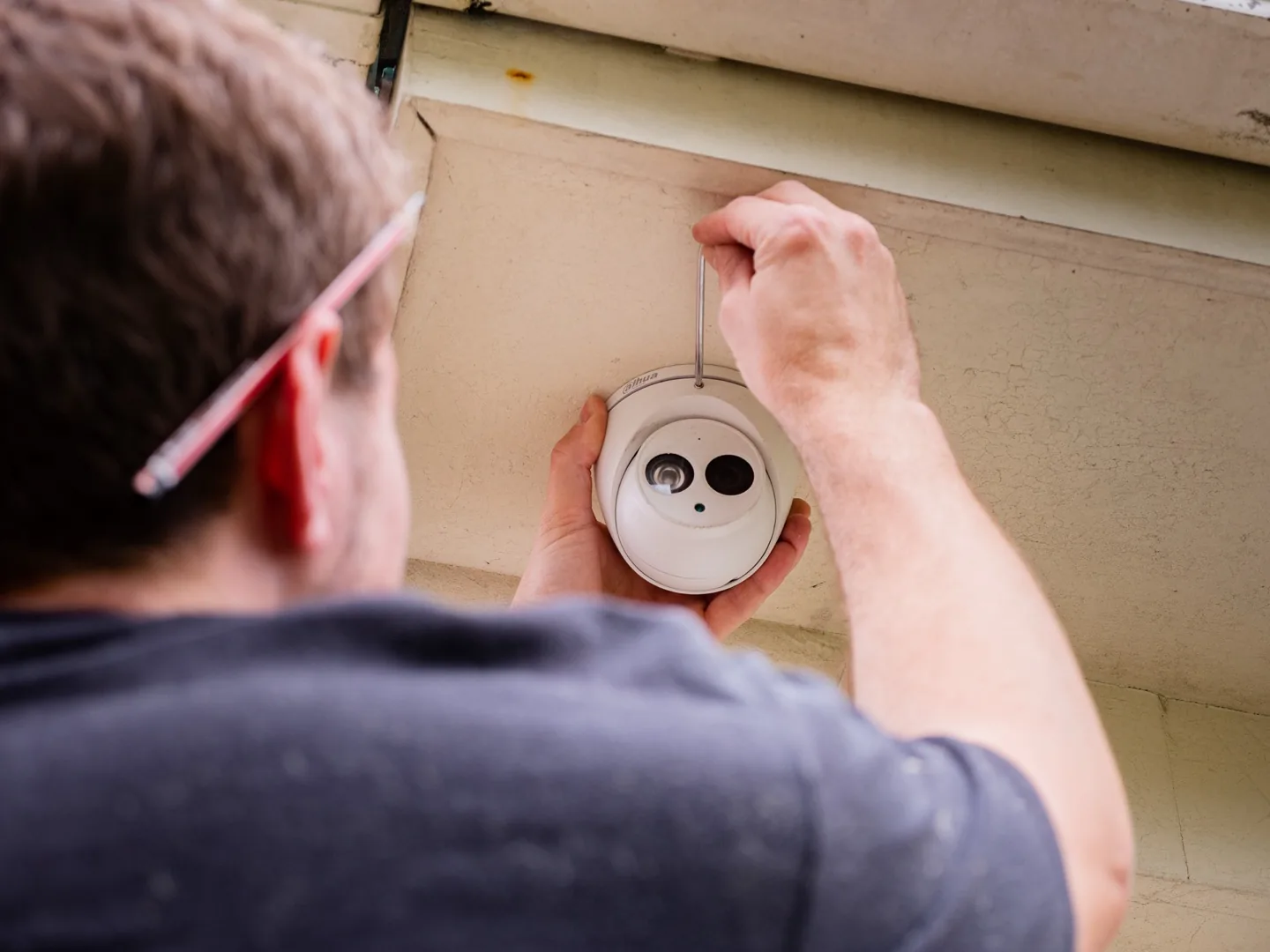
The gear itself matters as much as the price. Here is what a proper install gives you that a cheap kit off the shelf usually will not.
- A real warranty. Every install is backed by The Conduction Company's lifetime workmanship guarantee. We fit a broad range of CCTV systems, and each package carries its own manufacturer warranty period, which we'll confirm with you upfront.
- Built for Auckland weather. The cameras are weatherproof (rated IP67 or IP66) and vandal-resistant, so they hold up outside through rain and knocks.
- Night vision. Infrared sees clearly in the dark out to roughly 40 to 50 metres, so you get usable footage at night, not just in daylight.
- Clear footage in tricky light. Good cameras use low-light and wide-dynamic-range technology, so a face is not blown out when someone stands in a doorway against a bright sky.
- Smart detection. Higher-end systems can tell a person from a vehicle, flag someone crossing a line or entering a zone, and cut down false alerts from leaves, birds, and passing headlights.
Can CCTV work without wifi?
Yes, and we always recommend a wired system over wifi.
Some wifi units are okay, but a security device needs to run non-stop. Wifi leans on a radio signal that is never fully reliable and has no redundancy built in, so it drops out, and by Murphy's Law it tends to fail right when you need it most. Wired connections between the camera and the recorder are far more stable, and a dropout is very rare. Wifi cameras also have practical limits: the recorder has to sit right next to your router, and each camera can only go where it can reach both mains power and a usable wifi signal, which often is not where you actually want it.
The better systems also handle dropouts gracefully. If a connection is briefly lost, the camera keeps recording and backfills the footage once it reconnects, so you don't get a gap.
Your footage does not depend on the internet at all. The recorder on site saves everything to its hard drive, so you can plug a screen and mouse straight into it and watch footage back with no internet whatsoever.
If the recorder is connected to your router, you also get remote viewing from your phone, or any device, anywhere in the world. Even patchy internet is fine for that, because the recording itself never relies on it. That is the real benefit of a recorder with a local hard drive: you are always recording, with no data lost to a dropped connection.
What security system do burglars actually hate?
A visible deterrent, by far. This is exactly why we have moved away from alarms as the first line of defence.
Alarms still have their place, but they only react once someone is already inside. The damage is done, and they're likely to still walk off with something. CCTV works earlier than that. Most burglars are opportunists looking for a quick, easy target. Visible cameras on the outside of your home, seen as they approach, push them to move on to a less secure property, as long as you are not the softest target on the street.
CCTV does both jobs. It deters, and it records if anything happens. Even dummy cameras and clear "CCTV monitored" signage help a lot. Any visible deterrent stops people stepping onto the property in the first place, unlike an alarm, which is the ambulance at the bottom of the cliff.
Where should the cameras go?
The typical layout is one camera on each corner of the building, giving you full 360-degree coverage. That suits most properties.
But the real thinking is around entry points. A good installer puts themselves in the burglar's shoes and works out the most likely break-in spots, then places cameras there. We also position cameras so they are clearly visible from the street, the driveway, and pedestrian access points. That visibility matters as much for deterrence as it does for capturing footage.

A real Auckland job: smart redundancy that paid off
One client had a main house and a separate outbuilding. They were worried a burglar would simply steal the recorder along with their belongings, so they asked us about cloud storage.
Cloud storage is a decent option for that, but it's expensive and an ongoing cost. So instead, we fitted two recorders, one in the house and one in the outbuilding, each running its own set of cameras. Then we mirrored all the footage across both, so each recorder held the complete set from every camera on site.
Then the exact thing they feared happened. They were burgled. The burglars realised there were cameras, dug around, found the main house's recorder, and ripped it out, thinking they'd been clever. They missed the second recorder in the outbuilding, which still had all the footage. The client handed it to police and recovered a good chunk of their stolen property. Smart redundancy, without the ongoing cost of the cloud.
Frequently asked questions
Is my neighbour allowed to have a camera pointed at my house?
In most cases, yes. Home security cameras are legal in New Zealand, and your neighbour can install them to protect their property, even if a camera happens to catch part of your section, your driveway, or the footpath. Cameras used by a private person for their own home sit largely outside the Privacy Act, so simply appearing in the background does not make a camera illegal. This is national law, so it works the same way everywhere in New Zealand. There is no special Auckland rule.
There are limits, though. A neighbour should not point a camera directly into your windows, bathroom, bedroom, or a fenced-off private yard, zoom in on your private spaces, or run a camera that deliberately monitors you rather than their own property. Recording the audio of your private conversations is treated more strictly again. If a neighbour's camera bothers you, the best first step is usually a friendly chat, as most systems can set "privacy zones" that permanently black out your property. When we install your cameras, we set those zones so your system protects you without causing friction next door. If a chat does not sort it, you can make a free complaint to the Office of the Privacy Commissioner. This is general guidance, not legal advice. For a specific dispute, contact the Privacy Commissioner on 0800 803 909 or a free Community Law centre.
How long does CCTV footage stay stored?
It depends on your hard drive size and settings. Recording all cameras constantly, a 2TB drive holds somewhere around one to three weeks, and a 4TB drive roughly doubles that. It varies with your camera count, resolution, and how much movement there is. We usually set systems to motion-record only, which captures footage only when something moves and makes your storage last much longer. The Conduction Company explains how long CCTV footage is kept in NZ, what the law says, and how to save a clip before it is overwritten.
Do I need internet for CCTV to work?
No. Your recorder saves footage to its own hard drive on site, so it works with no internet at all. You just plug in a screen to view it. If it is connected to your router, you can also watch live and recorded footage from your phone, anywhere.
How many cameras do I need?
Most homes are well covered with a camera on each corner of the building, with extra focus on entry points like doors and gates. We walk your property and recommend placements based on the most likely break-in points.
Is wired or wifi CCTV better?
Wired, in almost every case. A security camera needs to run continuously, and wifi signals drop out. Wired connections are far more reliable, which is why we recommend them wherever possible.
I've bought a house with existing CCTV. Can you help?
Yes. If you move into a home with cameras already installed, we can reset the ownership and passwords so the previous owner no longer has access and you get full control through the viewing app. Bring us whatever details you have on the system and we'll sort it.
Will changing my internet router affect my CCTV?
It can. If you swap routers or change providers, your recorder often needs to be reconnected and reconfigured to talk to the new network. It's a quick job. Just give us a bell if your remote viewing stops working after a router change. For other faults, The Conduction Company explains why a CCTV camera stops working, from crushed cables to failed hard drives.
Talk to us about CCTV
Thinking about CCTV for your Auckland home or business? We're happy to help. We'll assess your property, talk through the right camera count and placement, and give you a clear fixed price with no surprises. Give us a bell on (09) 390 0525.
Learn more about our CCTV camera installation and our wider alarms and security work.


